Topology and ports
Arrange switches on a topology canvas and inspect switch and port-level labels, link state, bandwidth, connected IP, and alerts.
AV Network Designer & Monitor
A visual workspace for planning switch topology, reviewing port roles, preparing VLAN and protocol profiles, and presenting the operating state of a theater AV network.
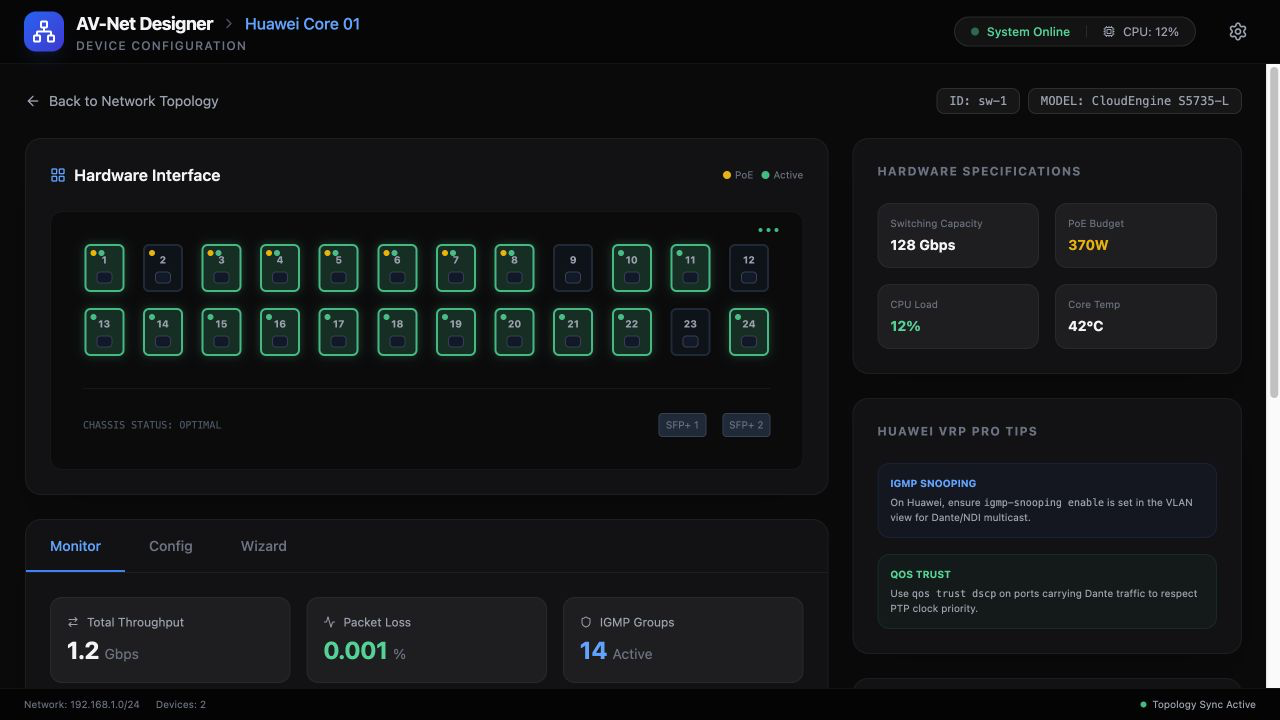
Arrange switches on a topology canvas and inspect switch and port-level labels, link state, bandwidth, connected IP, and alerts.
Prepare VLAN, PoE, Dante, NDI, and Art-Net port roles with QoS and IGMP guidance suited to AV multicast environments.
Generate port-level Huawei VRP configuration text as a technical handoff artifact.
From network intent to technical handoff
Lay out the AV topology
Assign port labels and protocol profiles
Review VLAN, PoE, and multicast needs
Export configuration guidance for commissioning
Prototype boundary
In the reviewed source, network scanning, switch handshake, device data, and monitoring telemetry are simulated. Real SSH, SNMP, discovery, and live device monitoring require validated hardware integrations before they can be offered as production functions.